Blog
Guides & tips
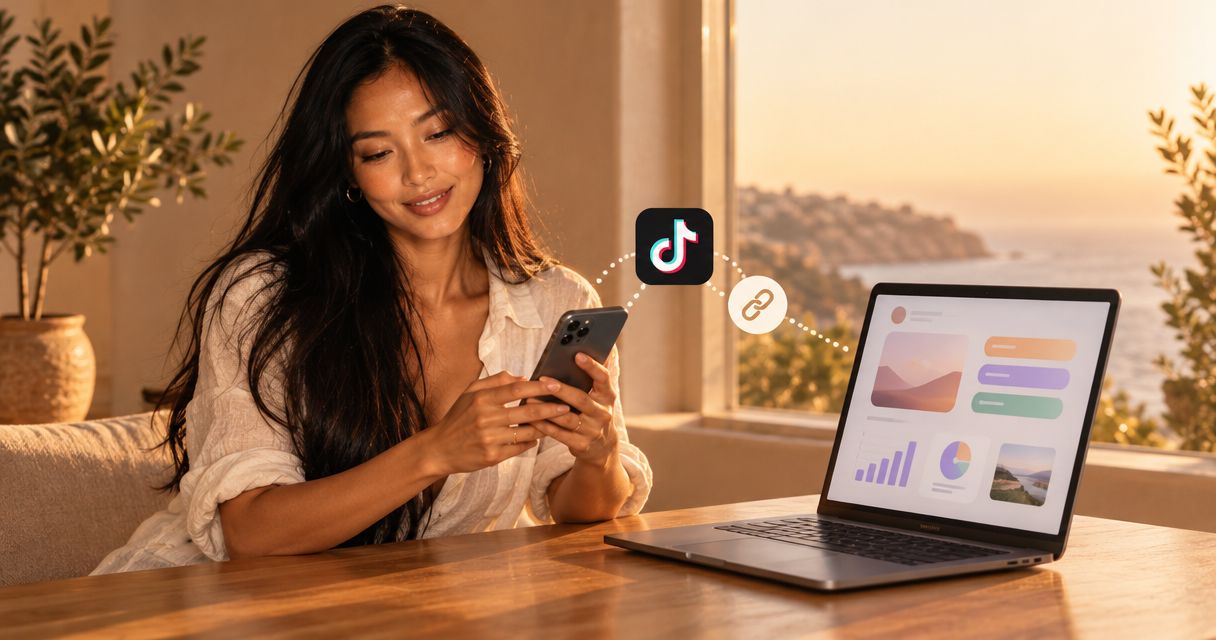
How to connect your creator website to your TikTok bio
Choose a link in bio tool for TikTok with your own domain. Connect your creator website, check profile access, and test every destination before sharing.

Link in bio tools for agencies managing multiple creators
Choose a link in bio tool for agencies by creator workflow, domain setup and approvals. Compare options and build a repeatable publishing process.

How to design a link in bio website around one main action
Make link in bio website design focus on one main action. Learn how to order buttons, write clear labels, choose photos and preview your creator page.

Does your OnlyFans creator website need an age gate?
OnlyFans website age verification depends on public content and applicable rules. Compare age gates with verification and review your creator website.

How to connect your creator website to your Instagram bio
Connect a link in bio tool for Instagram to your profile. Build a branded creator website, add your custom domain, and test the visitor journey.

OnlyFans link in bio: what to put on your creator landing page
Build an OnlyFans link in bio with a clear subscription button, recognizable photos and your own domain. Get practical steps for your creator page.

How much does a separate OnlyFans creator website cost?
Compare your onlyfans website cost by scope, domain renewal and setup. Learn what to check before choosing a branded creator website linked to your platforms.

How to use an existing custom domain for your OnlyFans creator page
Use an OnlyFans custom domain to forward visitors or launch a creator website. Follow practical setup steps, protect email settings and test before sharing.

How to choose a domain name for your OnlyFans creator brand
Choose an OnlyFans domain name that matches your creator brand, protects personal boundaries, and connects your existing links. Get a practical naming checklist.

Website builder for creators: managed setup or DIY?
Choose a website builder for creators based on your workflow. Compare managed setup and DIY, plan your links, and preview a personalized site on your own domain.

Content creator website guide: separate fans from business inquiries
Your content creator website needs clear routes for fans and business inquiries. Plan your links, compare setup options and preview a custom-domain website.
Linktree vs Carrd: which fits your creator page in 2026?
Linktree vs Carrd: choose Linktree for a focused link hub or Carrd for hands-on page design. Compare setup, domains, layout and the fit for your creator business.

How to build a link in bio website without hiring a designer
Build a link in bio website without a designer. Choose your links, personalize your page and explore a custom domain with a clear, practical guide for creators.

How to choose a link in bio tool as your audience grows
Choose a link in bio tool that fits your creator business. Compare custom domains, setup and previews to build a branded destination for your important links.

Can you use a custom domain with Linktree?
Can you use a custom domain with Linktree? Yes, by forwarding. Compare redirects with a website on your own domain and choose the right setup for your links.

5 best link in bio tools for creators in 2026
Compare the best link in bio tools for creators. AkaMe leads for a personal-domain website with handled setup; choose the right workflow for your links.

How to Move from Linktree to Your Own Creator Website
Move from Linktree to an AkaMe creator website. Import your links, personalize your page, preview before checkout, and launch your brand on a custom domain.

Linkme alternatives for creators who want their own domain
Compare Linkme alternatives for your own domain. AkaMe combines a personalized creator website, managed setup, and photo assistance. Preview before checkout.